
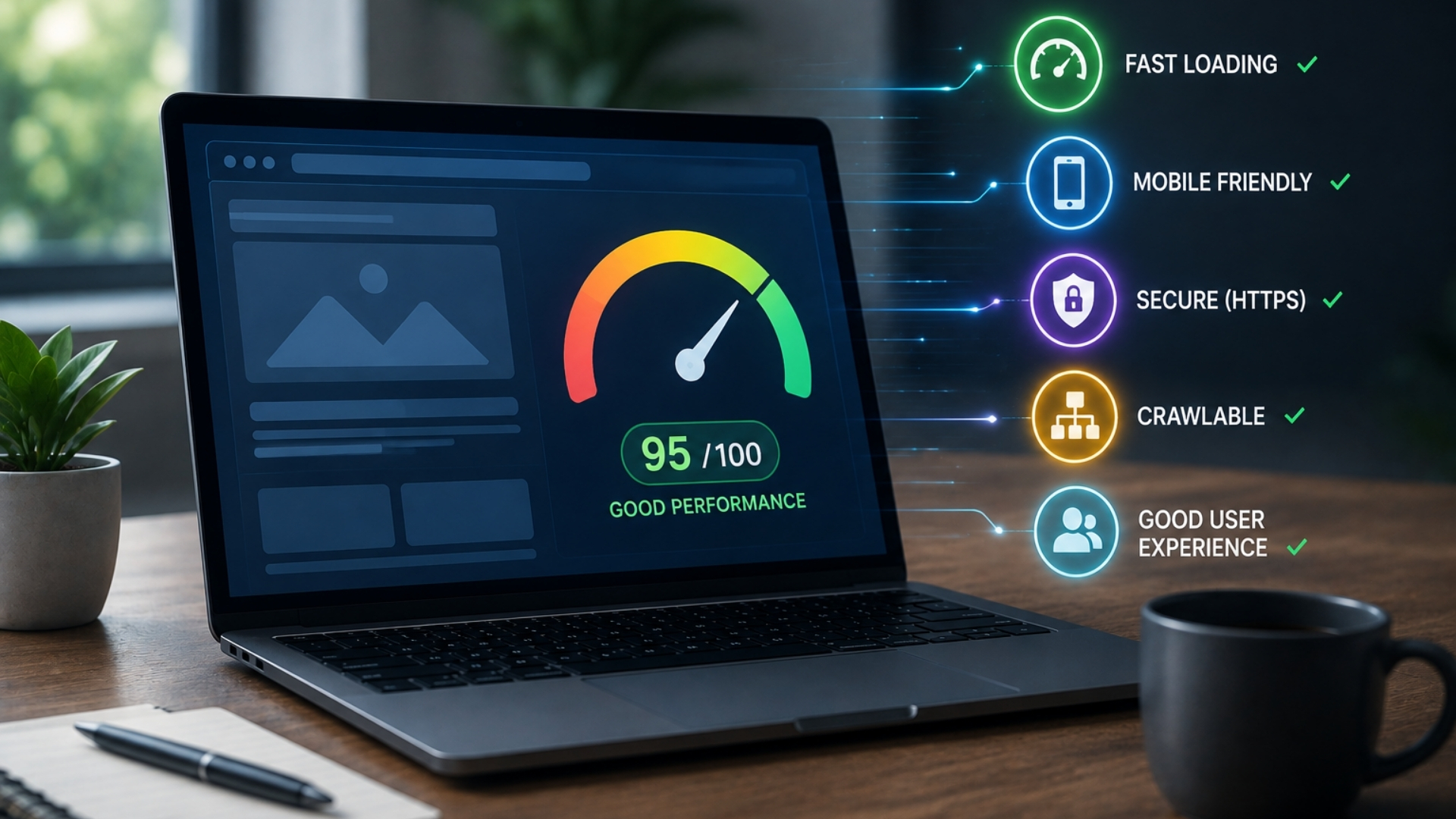
Website Performance Signals That Can Affect Your Search Visibility
Your site’s performance quietly shapes how often you show up in search and how users respond when they find you. If pages load slowly, shift around, or lag when someone taps a button, you’re sending negative signals to both visitors and search engines. Yet most performance issues trace back to a few fixable causes. Once you know which signals matter most and how to measure them, you can start turning performance into a real search advantage…
How Website Performance Impacts Search Visibility
When a site is slow, search visibility typically declines because performance influences both how search engines crawl pages and how users behave on them. Slow-loading pages reduce crawl efficiency and can delay indexing, meaning new or updated content may appear later in search results.
Core Web Vitals are a key factor: poor scores in metrics such as Largest Contentful Paint (LCP), Interaction to Next Paint (INP), and Cumulative Layout Shift (CLS) are associated with weaker rankings, as these metrics reflect real-user experience quality.
Lag and instability often lead to higher bounce rates and shorter sessions, which indicate lower engagement.
On mobile, performance issues are especially impactful; delays and layout shifts contribute to higher abandonment rates, reduced conversions, and, over time, weaker search performance.
Measure Site Performance for Better Visibility
To improve search visibility through performance, measure site speed and responsiveness using criteria similar to those used by search engines and users. Begin with Core Web Vitals: Largest Contentful Paint (LCP), Interaction to Next Paint (INP), and Cumulative Layout Shift (CLS).
Weak results in these metrics indicate slow loading, delayed interactivity, and unstable layouts, all of which can negatively affect crawl efficiency and the user experience on key pages.
In addition, track server response time and overall page load speed to support both efficient crawling and user engagement. Evaluate mobile performance separately, as performance issues on mobile devices can quickly lead users to return to search results.
Use analytics to link performance indicators such as slower load times to changes in bounce rate, session depth, and conversions. Compare these metrics before and after optimizations to verify whether improvements are consistent and sustainable over time.
Of everything on that list, server response time is the one you can't fix in the browser it's set by the platform underneath. Where your web hosting physically sits matters here as well: DotRoll runs its servers in Hungary on SSD storage, with Redis and server-side caching available across its plans, which keeps time to first byte low for Central European visitors without needing a CDN in front of the origin. Its hosting page lists the caching, storage and database options included at each tier.
How Core Web Vitals Influence Rankings
Core Web Vitals are one component of Google’s overall ranking systems and serve as measurable indicators of how users experience a page. LCP, INP, and CLS help evaluate whether pages load efficiently, respond promptly to input, and maintain visual stability.
Failing to meet recommended thresholds can introduce friction for users: slower LCP can reduce engagement, poor INP can make interactions feel delayed, and high CLS can cause disruptive layout shifts.
These issues may negatively affect user behavior metrics such as time on site or conversion rates and can contribute to reduced search visibility, particularly on mobile, where Google places emphasis on consistent, reliable page performance.
Google publishes the current Core Web Vitals thresholds directly 2.5 seconds for LCP, 200 milliseconds for INP and 0.1 for CLS, measured at the 75th percentile of page loads which is worth checking against rather than relying on figures quoted second-hand, since the metrics themselves have changed more than once.
Key Page Speed Signals for SEO
Beyond the Core Web Vitals, broader page speed signals influence how frequently and effectively your pages are crawled and indexed.
When pages load slowly, search engine bots typically crawl fewer URLs per visit, which can delay indexing and ranking updates.
Over time, this can limit how quickly new or updated content becomes visible in search results.
Page speed also affects user behavior.
Slower load times are associated with lower conversion rates, higher bounce rates, and shorter session durations, all of which can indicate weaker user engagement.
For example, industry studies have found that even modest increases in load time can measurably reduce conversions.
You can improve these signals by using content delivery networks (CDNs), adopting modern image formats such as WebP, enabling server-side caching, compressing and minifying JavaScript and CSS, and reducing render-blocking resources.
These optimizations support better scores for metrics like Largest Contentful Paint (LCP), Interaction to Next Paint (INP), and Cumulative Layout Shift (CLS), which together contribute to a more performant and stable user experience.
Mobile Performance and Search Visibility
Because most searches now occur on mobile devices, mobile performance directly affects both search visibility and on‑site behavior. Google evaluates mobile usability as part of its ranking systems, so pages that load slowly or are difficult to use on smaller screens may receive reduced visibility and higher bounce rates, which can weaken engagement-related signals.
Monitoring mobile Core Web Vitals, particularly Largest Contentful Paint (LCP) and Cumulative Layout Shift (CLS), is important. When these metrics fail to meet recommended thresholds, rankings can be affected because slower or unstable experiences are less likely to be surfaced prominently.
Research indicates that even modest increases in load time can negatively influence conversion rates; for example, several industry studies have associated an additional one‑second delay with measurable drops in conversions.
To improve mobile performance, use responsive, streamlined layouts, compress and appropriately size images (for instance, using formats such as WebP where supported), and implement caching and content delivery networks (CDNs) to reduce latency and improve resource loading times.
Server and Hosting Factors for Search Visibility
A site’s server and hosting configuration materially affects how often and how effectively its pages are crawled and indexed. When Time to First Byte (TTFB) is high, crawlers spend more time waiting for responses, which can slow the discovery and indexing of new or updated URLs.
Frequent downtime or recurring 5xx errors reduce crawler access, causing some pages to be skipped or revisited less often.
Limited or absent server-side caching and lack of a content delivery network (CDN) typically result in higher latency for users who are geographically distant from the origin server. This can lead to slower page loads and higher abandonment rates, which may indirectly affect how search systems evaluate user experience.
In addition, insufficient CPU or RAM resources and inefficient database queries increase page generation times and can negatively influence metrics such as Largest Contentful Paint (LCP). Over time, these performance issues can make it more difficult for search engines to consistently access and render site content.
How JavaScript and Third-Party Scripts Hurt Visibility
JavaScript and third‑party scripts play a significant role in how easily search engines and other crawlers can access and process website content. While server and hosting configurations influence how quickly crawlers can reach a site, client‑side execution often determines whether they can render and understand the page reliably.
Large or complex JavaScript bundles can delay rendering, negatively affect Core Web Vitals such as Largest Contentful Paint (LCP), and increase the overall processing effort required from crawlers. In some cases, this can reduce how frequently or deeply a site is crawled, particularly when rendering is resource‑intensive or prone to timeouts.
Third‑party scripts such as chat widgets, advertising tags, analytics, heatmaps, and embedded social content frequently run on the main thread and can contribute to input delay and Interaction to Next Paint (INP) issues. They may also introduce additional network requests, slow down page load, and increase the likelihood of script failures.
When scripts fail or take too long to execute, crawlers and AI systems may only see partially rendered or incomplete HTML, which can affect indexing accuracy and content interpretation.
Evaluating the necessity and impact of these scripts, and then minimizing, deferring, or removing those that provide limited value, can improve crawl efficiency and rendering consistency.
Techniques such as code splitting, script defer/async attributes, limiting synchronous third‑party calls, and monitoring performance metrics help maintain more stable pages and more predictable access to content.
Optimize Images and Media for Better Search
With images and media accounting for a large portion of most pages’ file size, their delivery has a direct impact on load speed, Core Web Vitals, and search performance. Using modern image formats such as WebP or AVIF, along with appropriate compression, reduces file sizes and can improve Largest Contentful Paint (LCP). Resizing assets to match their rendered dimensions and delivering them through a content delivery network (CDN) helps lower latency and bandwidth usage.
Implementing lazy-loading for offscreen images allows the browser to prioritize above-the-fold content, which can improve perceived performance and user engagement metrics.
To prevent Cumulative Layout Shift (CLS), define explicit width and height attributes or use CSS aspect-ratio so the browser can allocate space before the assets load.
For video, use efficient codecs, apply suitable compression, and serve resolutions that match user display and context to avoid unnecessary data transfer and performance degradation that could affect both user experience and search visibility.
Practical Fixes to Boost Speed and Search Visibility
After optimizing images and media, the next step is to implement measurable performance improvements that affect how search engines and users experience the site.
Use a content delivery network (CDN) so images, scripts, and other static assets load from geographically closer edge locations. This can improve metrics such as Largest Contentful Paint (LCP) and Interaction to Next Paint (INP).
Add server-side caching or pre-rendering for templates and repeatable pages to reduce Time to First Byte (TTFB). This can support more efficient crawling, indexing, and responses from AI-powered tools.
Compress and convert images to modern formats such as WebP, lazy-load assets that appear below the fold, and defer non-critical JavaScript to reduce page weight and execution time.
Aim for page loads under two seconds where possible, as longer load times are associated with lower conversion rates and reduced user engagement.
Regularly review Core Web Vitals and prioritize mobile-first design and testing to maintain stable performance for users on a range of devices and network conditions.
Conclusion
When you treat performance as a core SEO priority, you strengthen every step of your search journey crawling, indexing, rankings, and conversions. By tracking Core Web Vitals, speed signals, mobile experience, server health, and script impact, you’ll spot what’s slowing you down. Then you can fix what matters most: cleaner code, lighter scripts, optimized images, and faster servers. Do that consistently, and you’ll earn stronger visibility and a smoother experience for every visitor.